top of page

Open and Change the Budget
Learn how to open, change, or fill in the Budget.
Step 1
In the "My Companies" area, select the desired company.
Step 2
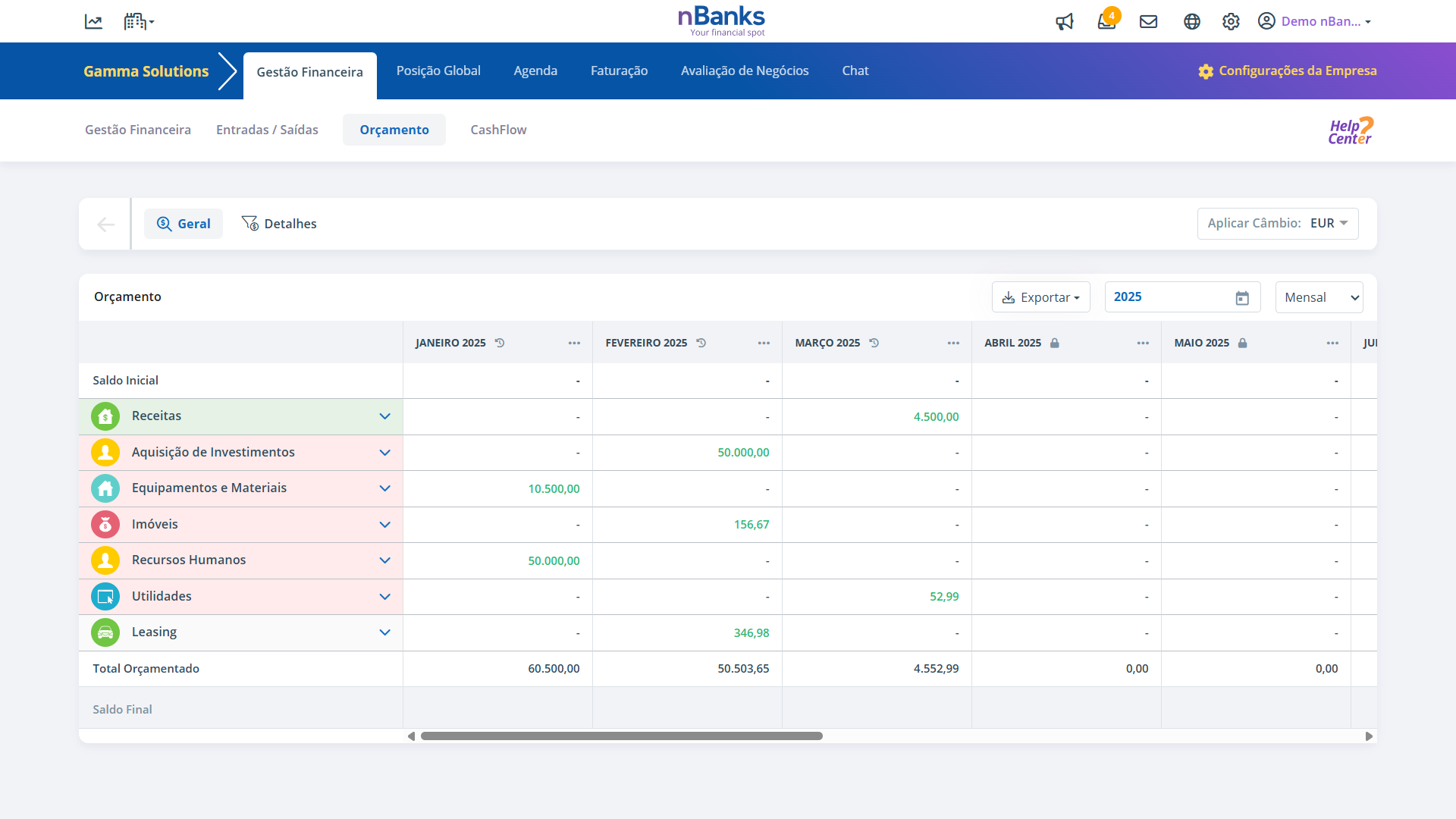
In the "Financial Management" tab, choose the "Budget" option.
Step 3
If the budget is closed, you should go to the "Details" tab.
Step 4
In the Details tab, click on "Open Budget"
Step 5
Enter an opening message and click "Confirm".
Step 6
The budget will be open and available to add movements. You should click on "Add Movement".
Step 7
Fill in the respective movement information.
Step 8
Click "Save". The movement will appear:
- In the Movement List, in the Details tab;
- In the General Budget, in the corresponding month.
bottom of page