top of page

Add/Create a Retainer in Invoicing
Learn how to create/add a retainer in a company's Invoicing area.
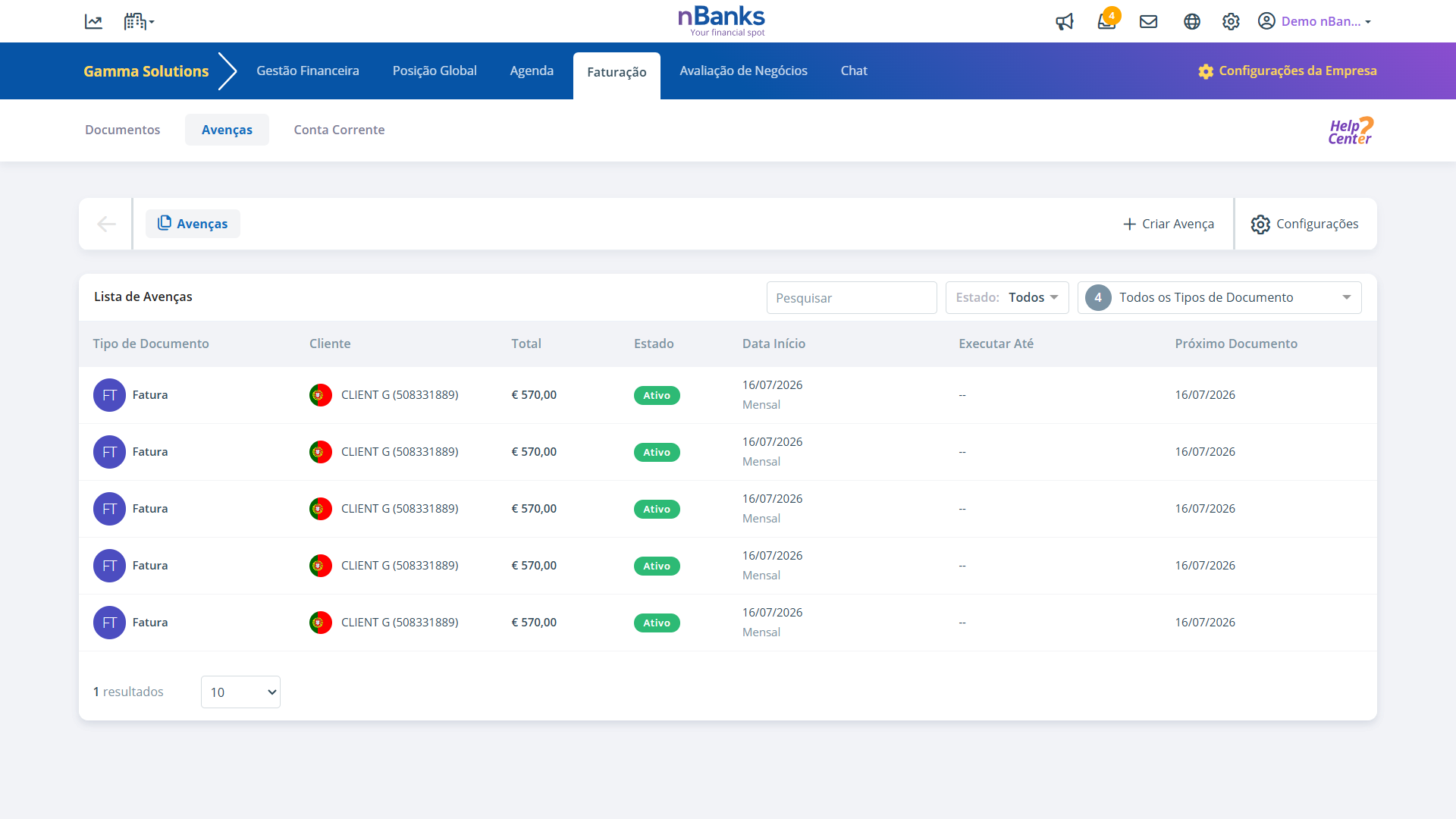
Step 1
In the "My Companies" area, select the desired company.
Step 2
Choose the "Billing" tab and then the "Retainers" tab.
Step 3
Click "Create Retainer".
Step 4
Fill in the requested fields to create a document:
- Invoice Type;
- Clients;
- Products;
- Due Date;
- Retainer Frequency;
- Start and End Date.
Step 5
With everything filled in, just click "Create".
And that's it! The created retainer will appear in the Retainer List in Billing.
bottom of page